It is possible to change a license number in an existing estimate by creating a copy of the estimate and giving it the new license number.
Here's how:
Open the estimate.
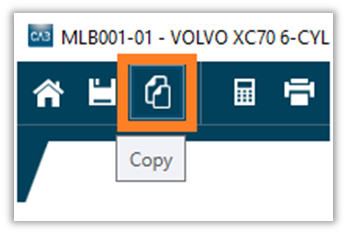
Click on the Copy icon in the upper menu of the estimate.
Enter the desired license number for the new estimate under To estimate.
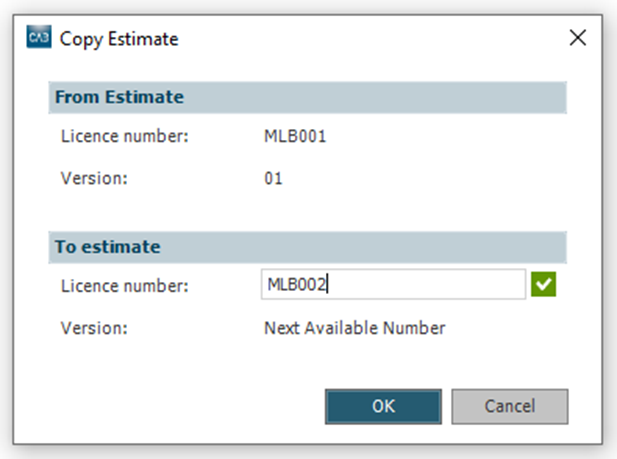
Click OK and then Save & Calculate.

Was this article helpful?
That’s Great!
Thank you for your feedback
Sorry! We couldn't be helpful
Thank you for your feedback
Feedback sent
We appreciate your effort and will try to fix the article